Replacing a lost BC fishing license
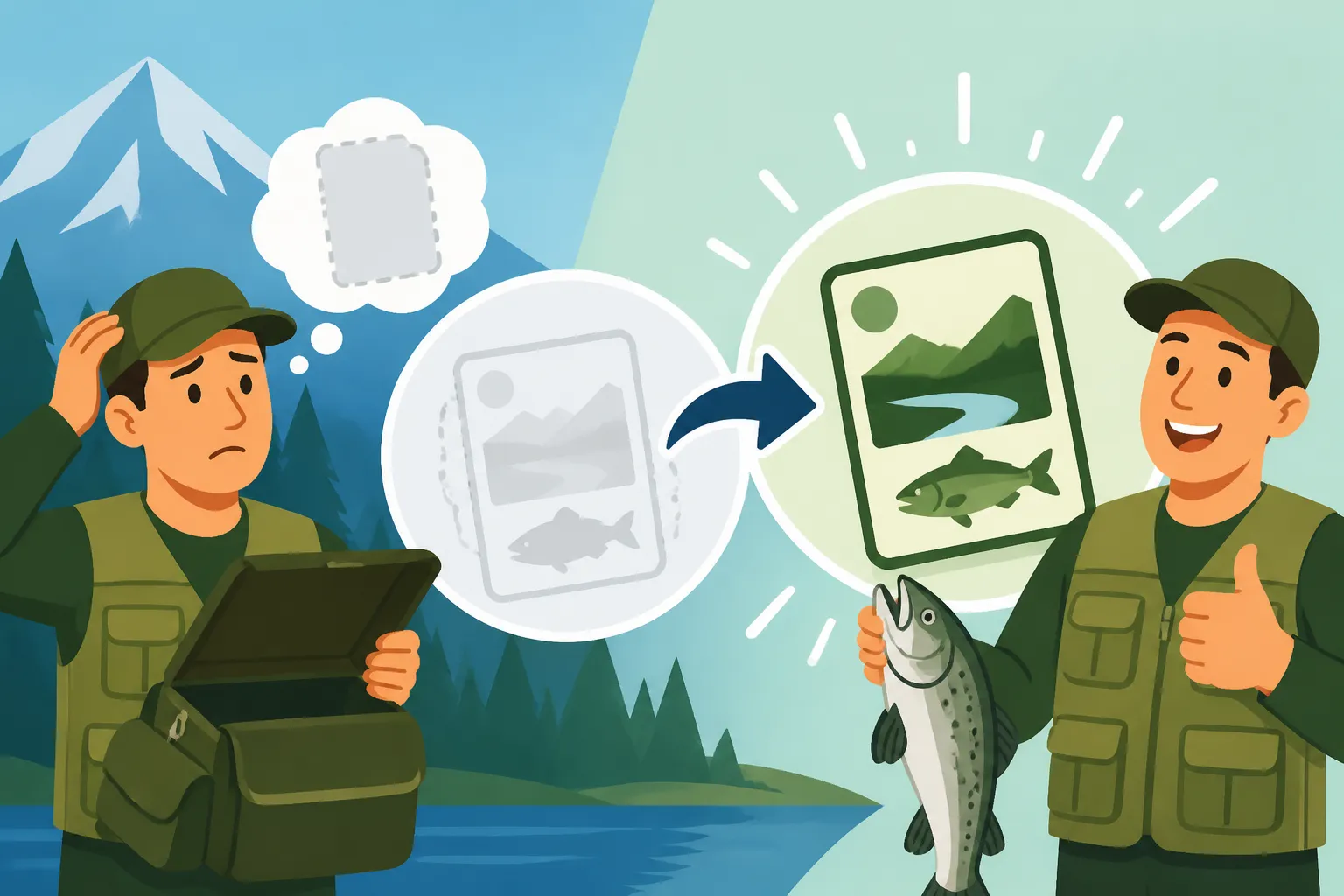
Losing your fishing license right before a planned trip, or even worse, realizing it's gone while you're already out on the water, can feel like a punch to the gut. That sudden panic, the frantic patting of pockets, the dread of potentially facing fines—it's a scenario no angler wants to experience. But don't fret! This comprehensive guide is here to walk you through exactly what to do when your BC fishing license goes missing, ensuring you can get back to casting lines legally and with peace of mind.
The Frustrating Reality of a Lost Fishing License in BC
Let's be honest, we’ve all been there. You pack your gear, load the boat, and as you're heading out the door, or worse, as a conservation officer approaches on the water, you realize your wallet is lighter than it should be. The sinking feeling is universal. For many of us, our fishing license is just another piece of paper we tuck away, often forgetting its critical importance until it’s not there. It’s easy to think, "I bought it, so I should be fine," but unfortunately, that's not how it works in British Columbia.
Why Fishing Without a Valid License is a Big Deal
The rules are pretty clear: you need to be able to produce a valid fishing license when asked by a fishery officer, constable, or guardian. This isn't just a formality; it’s a crucial part of managing our precious natural resources. Without proof that you've paid your dues, the system can't track participation, fund conservation efforts, or ensure everyone is playing by the same rules. It’s not about being punitive, but about ensuring accountability and the sustainability of our fisheries. Imagine everyone just "knowing" they bought a license but having no proof – it would be chaos, and our fish stocks would suffer. This is why having that physical or readily accessible digital copy is non-negotiable.
The Immediate Risks and Consequences
If you're caught fishing without a valid license in BC, even if you genuinely just lost it, the consequences can range from a stern warning (if you're very, very lucky and can prove purchase later) to significant fines. We’re talking about potentially hundreds of dollars. For instance, the minimum fine for fishing without a license can start around $115, but depending on the specific circumstances and the officer's discretion, it can escalate dramatically. Beyond the financial hit, there’s the inconvenience, the potential confiscation of your gear, and simply the stress and embarrassment of being found non-compliant. It really can put a damper on what should be a relaxing day on the water. It’s a scenario covered in detail in our guide on Fishing Without a License in BC: Penalties, highlighting just how seriously these regulations are taken.
Replacing Your Freshwater Fishing License
Alright, so the panic has set in, you know you need a replacement. The good news is that replacing your BC freshwater fishing license is a fairly straightforward process, designed with modern convenience in mind. You won't have to jump through too many hoops, but you will need to recall some essential information about your original purchase.
Online Replacement Through the BC Government Portal
For many of us, the quickest and easiest way to get a replacement is online, right from the comfort of your home, or even your phone if you’re in a pinch. The BC government’s WildFire system (the same portal where you likely purchased your original license) allows you to re-access and reprint your license.
Here's a general step-by-step:
- Access the WildFire System: Head to the official BC government's hunting and fishing licensing website.
- Log In: You’ll need to log in using the BCeID you created when you first bought your license. If you've forgotten your BCeID or password, there are recovery options available, but be aware this might add a slight delay.
- Find Your Purchase History: Once logged in, navigate to your license purchase history. All your past and current licenses should be listed there.
- Reprint: Select the license you need to replace, and there should be an option to "Reprint" or "View/Print License." It will generate a PDF file that you can then print.
This method is incredibly efficient if you have access to a printer. Even if you don't, you can often save the PDF to your phone or email it to yourself, which functions as a valid digital copy, as discussed in Printing or Carrying a Digital Fishing License in BC. Just make sure your phone is charged and protected!
In-Person Replacement at Authorized Vendors
If you're not tech-savvy, don't have internet access, or simply prefer a human touch, you can always visit an authorized vendor. These are typically tackle shops, sporting goods stores like Cabela's or some Canadian Tire locations, or other designated outlets throughout the province.
Here’s what you can expect:
- Locate a Vendor: Before heading out, use the BC government's website to find an authorized vendor near you. A quick search for "BC fishing license vendors near me" should do the trick.
- Provide Information: You'll need to provide the same personal details you used when you originally bought the license. This might include your full name, date of birth, address, and potentially your Angler Number (if you remember it).
- Reprint Fee: While the government doesn't charge extra for a digital reprint from home, some vendors might charge a small administrative fee for printing a physical copy for you. It's usually minimal, perhaps a dollar or two, but it’s worth asking upfront.
This option is particularly handy if you're already out in a smaller town and need a quick solution, or if your printer at home decides to go on strike. Our guide on Where and How to Buy a BC Fishing License provides more details on finding these vendors.
What Information You'll Need for a Replacement
To ensure a smooth replacement process, whether online or in-person, have the following information readily available:
- Full Legal Name: As it appeared on your original license.
- Date of Birth: Essential for identification.
- Address: Your current residential address.
- BCeID (for online): Your username and password for the WildFire licensing system.
- Angler Number (optional but helpful): If you know your unique Angler Number, it can speed up the process, especially with vendors.
- Proof of Residency: If you're a BC resident, you might need to confirm your residency status, although this is usually tied to your BCeID account.
Having this information at your fingertips will save you a lot of time and frustration. It's a good idea to keep a note of your Angler Number somewhere safe, perhaps in your phone’s notes or a trusted digital document.
Replacing Your Tidal Waters (Saltwater) Fishing License
While the process for freshwater licenses is managed by the provincial government, tidal waters licenses (often called saltwater licenses) fall under federal jurisdiction, specifically Fisheries and Oceans Canada (DFO). The good news is that their system is also quite user-friendly for reprinting. Understanding the difference between these two types of licenses is crucial, as explained in BC Freshwater vs Tidal Waters License, Explained.
The Federal Fisheries and Oceans Canada DFO Portal Process
Just like with freshwater licenses, the primary method for replacing a lost tidal waters license is online:
- Visit the DFO Licensing System: Navigate to the National Recreational Fisheries Licensing System website.
- Log In: You’ll need to log in using the email address and password you registered with when you first purchased your license. If you've forgotten these details, there are recovery options available.
- Access Your Profile: Once logged in, you should see your profile and a history of your purchased licenses.
- Reprint Your License: Locate your current tidal waters fishing license and select the option to view or print it. It will generate a printable PDF.
This PDF serves as your official license. Make sure to print it out or save it digitally to your smartphone or cloud storage. It’s always best practice to have both a physical copy and a digital backup, especially if you're heading to more remote coastal areas where cell service might be spotty.
Re-acquiring Your Salmon Conservation Stamp
For many avid saltwater anglers, particularly those targeting salmon, the Salmon Conservation Stamp is an additional mandatory purchase alongside your tidal waters license. If you’ve purchased one, it will be automatically associated with your DFO tidal license when you reprint it.
Here’s why this is important:
- Integrated with License: Unlike some provincial stamps, the federal Salmon Conservation Stamp isn't a separate physical sticker; it's printed directly onto your tidal fishing license document.
- No Separate Reprint Needed: When you reprint your lost tidal waters license from the DFO portal, any purchased Salmon Conservation Stamp will be included on that reprinted document. You don't need to go through a separate process to re-acquire it.
- Essential for Retention: Remember, this stamp is required if you plan to retain any species of Pacific salmon. Without it, even if you have your basic tidal license, retaining salmon is a violation. For more on this, check out our detailed guide on BC Salmon Conservation Stamp Rules.
Always double-check your reprinted tidal license to ensure all the necessary stamps and endorsements (like the Salmon Conservation Stamp) are clearly visible and accounted for, just to be on the safe side.
Navigating the Gap: Fishing Legally Before Your Replacement Arrives
You’ve reported your license lost, you’ve initiated the reprint process, but what if you're on a multi-day trip or far from a printer? It’s a common scenario, and thankfully, there are accepted ways to ensure you stay compliant until you can secure a new physical copy. The key here is always to have some proof of your valid license.
Relying on Digital Copies and Smartphone Access
In today's digital age, carrying a physical paper license isn't always strictly necessary, especially for freshwater fishing within range of cell service. Both the provincial and federal licensing systems generate PDF copies of your license upon purchase or reprint.
Here's how to make your digital copy work for you:
- Save to Your Phone: Download the PDF to your smartphone's local storage. Don't just rely on cloud access, as you might not have signal in remote areas. Create a dedicated folder for fishing documents.
- Email it to Yourself: Send the PDF to your primary email address. This provides another backup you can access from any device.
- Take a Screenshot: As a last resort, a clear screenshot of your license on your phone can sometimes suffice for a quick check by an officer, especially if you're genuinely trying to comply. However, the actual PDF is always preferred as it's official.
- Battery Life is Crucial: This is the big one. A dead phone battery renders your digital license useless. Invest in a portable charger or power bank. You can find many reliable options on Amazon that can give your phone multiple full charges, which is a small price to pay for peace of mind. Make sure it's fully charged before you head out!
While digital copies are widely accepted, always be prepared for situations where a physical copy might be easier or necessary, such as in areas with no reception or if your device malfunctions. Our post on Printing or Carrying a Digital Fishing License in BC delves deeper into these practicalities.
Preparing for Remote Trips and Limited Connectivity
The vast wilderness of British Columbia is one of its greatest fishing assets, but it also means going off the grid is a real possibility. This is where proactive planning is your best friend.
- Print Multiple Copies: If you're heading into the backcountry, print at least two physical copies of your license. Keep one on your person (in a waterproof holder, perhaps one you picked up on Amazon), and another stowed securely with your gear at camp or in your vehicle.
- Laminate Your License: For added durability, especially if you're constantly getting wet or handling it roughly, consider laminating your paper license. Many office supply stores offer this service, or you can even buy small, personal laminators online.
- Inform Your Fishing Buddies: If you’re fishing with a group, let someone else know you've got a digital backup on your phone or where your spare physical copy is. In an emergency, they might be able to access it for you.
- Check BC Fishery Notices and In-Season Closures, Explained: Even with a new or reprinted license, remember to always check the latest fishery notices. Rules can change suddenly due to conservation efforts, especially for salmon. A valid license doesn't give you a pass if you're fishing in a closed area or using incorrect gear.
By taking these extra steps, you significantly reduce the risk of being caught unprepared, allowing you to focus on the joy of fishing rather than license anxiety.
Smart Habits to Prevent Future License Loss
Nobody wants to go through the hassle of replacing a lost license more than once (or at all!). A little bit of foresight and good habit-forming can save you a lot of headache down the line. It's about developing a routine for your gear, just like checking your tackle box before you leave.
Practical Tips for Physical License Security
Physical licenses are tangible, which means they can get wet, ripped, or simply fall out of a pocket. Here are some tried-and-true methods to keep your paper license safe:
- Waterproof Holder: This is a game-changer. A small, clear, waterproof pouch or lanyard worn around your neck or attached to your vest is ideal. You can easily find these on Amazon for just a few dollars. It keeps your license dry and always visible or quickly accessible. Think about how many times you handle fish, bait, or simply get splashed – a waterproof holder protects against all that.
- Dedicated Wallet Slot: If you prefer keeping it in your wallet, assign a specific slot that you only use for your fishing license. Don't put it with receipts or other cards that get pulled out frequently. This minimizes the chances of it slipping out unnoticed.
- Lamination: As mentioned earlier, a laminated license is far more durable. It's resistant to water damage, tears, and general wear and tear from being handled. Many anglers laminate their license as soon as they print it.
- Keep it Separate from Frequently Used Items: Avoid putting your license in the same pocket as your car keys, phone, or wallet, especially if you're constantly taking those items out. The less it's handled or exposed to movement, the less likely it is to be misplaced.
- Review Your BC Boating Laws for Anglers: If you're using a boat, consider a secure, designated spot on board, like a boat-specific tackle box compartment, that's both dry and easily accessible if an officer pulls alongside. Just don't forget to take it with you if you go shore fishing!
Leveraging Technology for Digital Backup
Even if you love your physical license, having robust digital backups is non-negotiable in this day and age.
- Cloud Storage: Save your license PDF to a cloud service like Google Drive, Dropbox, or iCloud. This way, even if your phone is lost or damaged, you can access your license from any internet-connected device.
- Email Your License: Send the PDF to yourself. It’s a simple, effective backup that you can always search for in your inbox.
- Family Sharing: If you fish with family members and you're the one managing licenses, ensure they also have a copy (digital or physical) of their own license. For younger anglers, remember to check BC Fishing License Age Requirements as kids under 16 often don't need a license for freshwater, but still need to be registered for tidal waters.
- Screenshot on Lock Screen: Some anglers take a screenshot of their valid license and set it as their phone's lock screen wallpaper. While not an official document, it can serve as a quick visual reminder and might be accepted in a pinch if an officer is feeling lenient and you can explain the situation.
By combining physical security with smart digital backups, you can virtually eliminate the stress of a lost fishing license and ensure your time on the beautiful waters of BC is spent enjoying the sport, not worrying about paperwork. Remember, the goal is to be prepared and compliant, allowing you to fully immerse yourself in the angling experience. For a complete overview of all regulations, you might find our British Columbia Fishing License Guide for 2026 helpful.
Freshwater vs. Tidal Waters License Replacement Comparison
To quickly recap the key differences and similarities in replacing your lost BC fishing licenses, here's a handy table:
| Feature | BC Freshwater Fishing License | BC Tidal Waters Fishing License (Saltwater) |
|---|---|---|
| Issuing Authority | BC Government (Ministry of Forests) | Fisheries and Oceans Canada (DFO) |
| Online Portal | WildFire (Government of BC) | National Recreational Fisheries Licensing System (DFO) |
| Login Required | BCeID | Email and Password used for purchase |
| Information Needed | Full Name, DOB, Address, BCeID (Angler # helpful) | Email, Password (DFO Profile ID helpful) |
| In-Person Replacement | Yes, at authorized vendors | Generally no, primarily online. Some remote offices might assist in unique cases. |
| Associated Stamps | Freshwater Salmon Conservation Stamp (for retention of salmon species) | Salmon Conservation Stamp (for retention of salmon species) |
| Reprint Fee | Free online, small fee at some vendors | Free online |
| Digital Copies Valid? | Yes, on smartphone or device | Yes, on smartphone or device |
Disclaimer
Please note that fishing regulations and licensing procedures can change. While every effort has been made to provide accurate and up-to-date information, it is the angler's responsibility to consult the official British Columbia Freshwater Fishing Synopsis and the Fisheries and Oceans Canada Recreational Fishing Guide for the most current rules and regulations before heading out on the water.